Dedicated Servers
Steamworks Settings
TIP
This Example has a Video Tutorial that you can find here: Related Video
Go to the Steamworks settings for your application and change the "Dedicated Game Servers Information" to include the latest version for your game, see the example below.
- Link to Steamworks
- The page is located at
https://partner.steamgames.com/apps/dedicatedservers/<YourAppId>
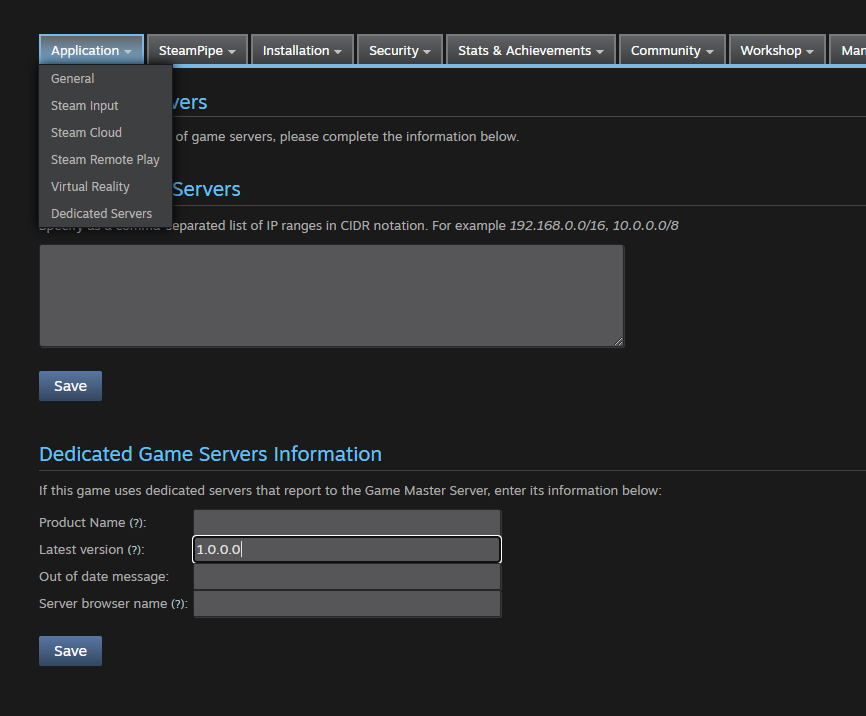
The version must match the GameVersion set in the [OnlineSubsystemSteamCore] section of your DefaultEngine.ini, see Configuring the Plugin. Server advertising fails if the versions do not match.