Additional Information
Additional Logging
If you want more logging output in your SteamCore project, you can add the following lines to your DefaultEngine.ini configuration file
DefaultEngine.ini
[Core.Log]
Online=Verbose
OnlineSession=Verbose
OnlineGame=Verbose
LogSteamCorePro=Verbose
LogSteamCoreSockets=Verbose
LogSteamCoreShared=Verbose
LogOnlineSubsystemSteamCore=Verbose
Networking and Voice
When troubleshooting connection or voice chat issues, these engine categories are also useful:
[Core.Log]
LogNet=Verbose
LogSockets=Verbose
LogOnlineVoice=Verbose
tip
You can also enable a log category for a single run with a launch parameter, e.g. -LogCmds="LogSteamCoreSockets Verbose".
Finding Logs
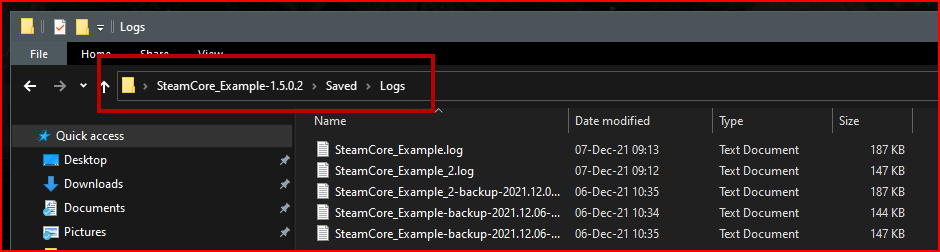
Logs are always generated in your projects Saved directory, see the screenshot below.